
Quick Summary
Printer alternatives for small home offices include ink tank printers, compact mono lasers, multifunction machines, mobile printing and outsourcing jobs to a print shop. The best choice depends on how many pages you print each month, what kind of documents you produce, and whether you also need scanning or copying.
- Under 50 pages a month, outsourcing to a print shop is usually cheaper than owning a printer.
- Ink tank printers such as the Canon PIXMA G3416 offer low running costs for steady home use.
- Choose a compact mono laser for text-heavy work like contracts, invoices and reports.
- Multifunction machines suit paperwork-heavy offices that scan, copy and fax often.
- Estimate cost per page and three-year ownership cost before buying any printer.
Table of Contents
- What Counts as a Printer Alternative for a Home Office
- Ink Tank Printers: Low Running Costs for Steady Home Use
- Compact Laser Printers for Text-Heavy Work
- Multifunction Machines When You Need Scanning, Copying and Faxing
- Mobile Printing Without Owning a Printer
- Print Shop Versus Home Printer: Real Cost Per Job
- Choosing Your Setup: Match Your Monthly Print Volume and Start Cutting Costs
- Frequently Asked Questions
What Counts as a Printer Alternative for a Home Office
Last Updated: October 30, 2026
A printer alternative is any setup that covers your printing needs without relying on a single traditional cartridge printer. For most small home offices in Lebanon, that means choosing a different printer type, a different ink system, or a different way of getting pages out. Printer alternatives for small home offices range from ink tank machines to compact mono lasers, multifunction units, mobile printing, and outsourcing jobs to a print shop.
Many home offices buy a printer by price tag alone, then spend far more on consumables over the following year. Choosing the right alternative starts with how many pages you print each month and what kind of documents you produce. Dabbous Mega Supplies has supplied printers, ink, toner and computer accessories across Lebanon since 1952.
Printer alternatives are the options that replace a conventional cartridge inkjet as your main way of producing documents. They differ on three points: how the ink or toner is supplied, what the machine is built to do, and where the printing actually happens.
Three questions decide which alternative fits your office:
- How many pages per month? Light use favors cheaper machines. Steady use favors low running costs.
- What do you print? Text-heavy work suits monochrome laser. Colour and photos suit ink tank.
- Do you also scan, copy or fax? If yes, a multifunction machine saves space and a second device.
A common mistake is judging printers on purchase price alone, since ink or toner over time can shape the total cost.
Ink Tank Printers: Low Running Costs for Steady Home Use
Ink tank printers replace small cartridges with large refillable reservoirs. For a home office that prints regularly, they are usually the lowest-cost option per page.
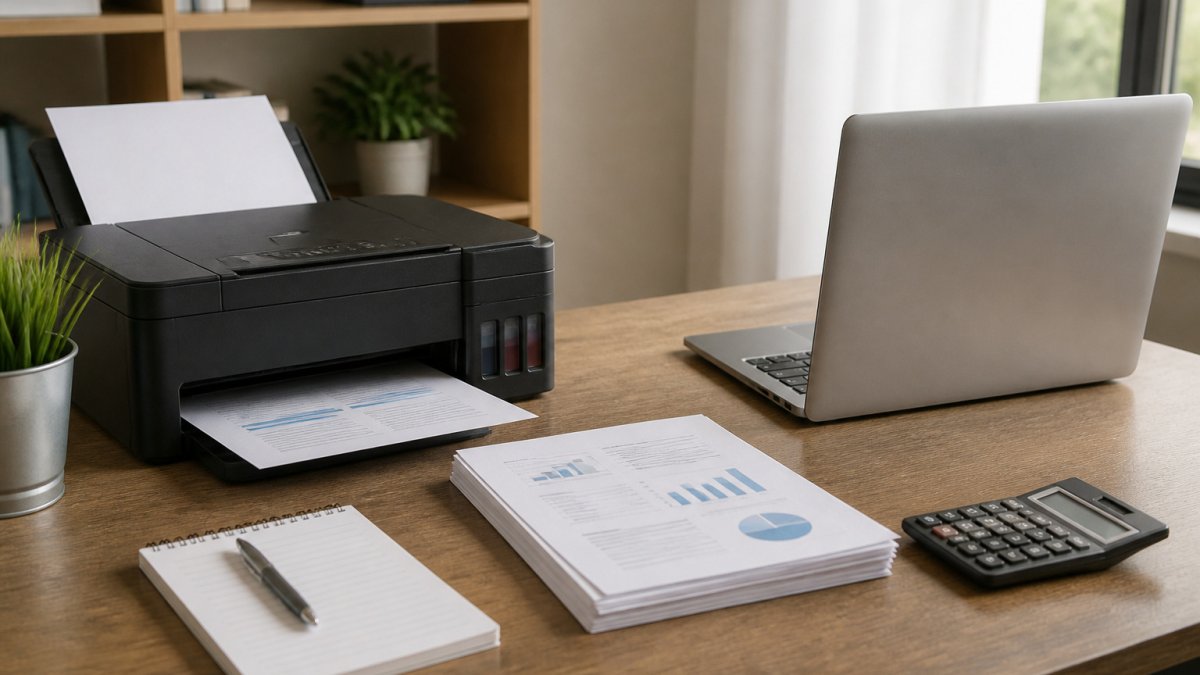
The Canon PIXMA G3416 is a good example. It is listed at LBP 132 and uses refillable ink tanks. It also scans and copies, and supports wireless and mobile printing.

The HP Ink Tank 581 sits in the same category at LBP 130. It is a wireless all-in-one that prints, copies and scans.

Who should pick this type: a home office printing regularly with mixed text and colour.
Best for: home offices that print regularly and want low cost per page. Skip if: you print only a few pages a month.
Compact Laser Printers for Text-Heavy Work
Laser printers are the better choice when your work is mostly black-and-white text: contracts, invoices, reports and forms. Toner is more expensive per cartridge than ink, but a toner cartridge prints many pages and text comes out sharp and dry.
The HP LaserJet M111W is listed at LBP 125 and is a compact laser printer.

The HP LaserJet M211dw, listed at LBP 180, is a compact mono wireless laser printer with automatic two-sided printing and wireless connectivity.
Who should pick this type: anyone printing mostly documents who wants fast, clean text and a small footprint. Watch out: monochrome lasers do not print colour, so a colour-heavy office needs a different machine.
Best for: text-heavy work in a small space. Skip if: you need regular colour output or photo prints.
Multifunction Machines When You Need Scanning, Copying and Faxing
A multifunction machine combines printing, scanning, copying and sometimes faxing in one unit. This matters in a home office that needs to sign, scan and send paperwork without a separate scanner or fax line.
The HP Laser MFP 137fnw is listed at LBP 230. It is a black-and-white device that prints, scans, copies and faxes, and supports Wi-Fi and Wi-Fi Direct.
CANON PIXMA G3416 INK TANK PRINTER →
Who should pick this type: home offices handling contracts, forms or other paperwork that needs scanning or faxing. Watch out: a multifunction laser is larger and pricier than a basic printer, so only buy it if you use the extra functions every week.
Best for: paperwork-heavy offices that scan and copy often. Skip if: you only print and never use the scanner.
Mobile Printing Without Owning a Printer
Mobile printing is not a single technology. It is a set of protocols and services that let a phone, tablet, or laptop send a document to a printer, whether that printer sits on your desk, in a shared office, or at a print shop across town. For a small home office, understanding the difference matters because each route has a different cost structure and a different privacy profile.
The three main mechanisms are:
- Direct wireless printing (Wi-Fi Direct / AirPrint / Mopria): Your device talks straight to a compatible printer on the same network or via a direct Wi-Fi signal. No internet, no cloud account. This is the lowest-friction option for a printer you own, and it keeps documents on your local network.
- Vendor apps and cloud services (HP Smart, Canon PRINT, Epson Smart Panel): These apps often route jobs through the vendor's cloud, which means your document leaves your network. Convenient for scanning to email or printing from outside the office, but it introduces a third party into your document flow.
- Print-shop and self-service upload portals: You upload a file to a shop's web portal or send it by email, then collect the pages. No hardware, no ink, no maintenance, but you pay per page and you lose control over how the file is stored.
When mobile printing replaces a printer entirely: If you print fewer than about 20-30 pages a month, mostly single documents, a mobile-only workflow can be genuinely cheaper than owning a machine. A basic inkjet's purchase price is only part of the cost; ink, paper, and the occasional clogged printhead add up even in light use. Paying a shop per job avoids all of that.
When it does not: Mobile printing from a phone is slow for multi-page jobs, awkward for anything that needs scanning or copying, and unreliable for large files. If you print weekly, the setup friction alone usually justifies a desk printer.
Best for: occasional printing, travel-heavy work, and anyone testing whether they need a printer at all. Skip if: you print more than a few times a week or handle confidential paperwork regularly.
Print Shop Versus Home Printer: Real Cost Per Job
Most printer roundups never answer the question the keyword actually asks: should you own a printer at all? The honest answer depends on total cost of ownership, not purchase price. Here is a framework you can apply to your own monthly volume.
The four costs of owning a printer:
- Purchase price, the machine itself, paid once.
- Consumables, ink or toner, the dominant recurring cost. A cartridge or ink bottle has a rated page yield; divide its price by that yield to get cost per page.
- Paper, a ream of A4 paper has a known sheet count; at typical home-office volumes this is a small but real line item.
- Maintenance and failure, printhead cleaning, wasted ink on setup, and the occasional repair or replacement. Light users often pay a disproportionate share here because infrequent printing causes clogged heads and dried cartridges.
The print-shop side: a shop charges per page, and the rate varies by colour versus monochrome, paper stock, and finishing (binding, laminating, folding). There is no purchase price and no maintenance, but you pay for travel or delivery and you lose same-hour turnaround for urgent jobs.
A practical decision rule:
- Under 50 pages a month: outsourcing is usually cheaper once you account for ink wasted on cleaning cycles and the risk of a dried-out cartridge. Use a shop or a mobile upload portal.
- 50-300 pages a month, mostly text: a compact mono laser or an ink tank printer typically wins on cost per page, provided you actually print enough to keep the ink flowing.
- 300+ pages a month, mixed colour: an ink tank machine with high-yield bottles is usually the lowest-cost owned option; a shop becomes competitive only for large one-off runs.
- Large, infrequent, or specialised jobs (200-page bindings, banners, photo prints, duplex booklets): send them out regardless of your monthly volume. The setup and waste of doing them at home rarely pays off.
Best for outsourcing: occasional users, large one-off jobs, and anyone whose printing is unpredictable. Best for owning: steady weekly volume, confidential documents, and work that needs same-hour turnaround.
The framework below maps monthly page volume to the best option, based on the decision rules in this section.
| Monthly volume | Best option | Why |
|---|---|---|
| Under 50 pages | Outsource to a shop | Ink wasted on cleaning cycles adds up |
| 50-300 pages, mostly text | Compact mono laser or ink tank | Lower cost per page |
| 300+ pages, mixed colour | Ink tank with high-yield bottles | Lowest-cost owned option |
| Large, infrequent or specialised jobs | Send to a shop | Setup and waste rarely pay off at home |
Choosing Your Setup: Match Your Monthly Print Volume and Start Cutting Costs
Start with your monthly page count, then match it to a machine type:
- Under 50 pages a month, mostly text: a compact mono laser such as the HP M111W (LBP 125).
- Regular colour and photos: an ink tank printer such as the Canon PIXMA G3416 (LBP 132) or HP Ink Tank 581 (LBP 130).
- Paperwork that needs scanning and faxing: the HP Laser MFP 137fnw (LBP 230).
- Fast, two-sided text printing for a busy desk: the HP LaserJet M211dw (LBP 180).
- Occasional printing on the move: a mobile printer, or a print shop for large jobs.
Once you have a machine, review your consumable spending every few months. Ink tanks and toner rarely lie about cost per page. Check whether a refill or a compatible cartridge fits your budget before the next big print run.
For a full look at the range, visit the Dabbous Mega Supplies printer collection and compare models against your monthly volume.
Frequently Asked Questions
What can I use instead of a printer in a small home office?
For occasional printing, a mobile printing app or a nearby print shop can handle jobs without buying hardware. If you print weekly, a compact ink tank or laser model usually costs less over time than repeated shop visits. Check how many pages you print each month before deciding, since that number decides which option makes sense. Dabbous Mega Supplies stocks the Canon PIXMA G3416, HP Smart Tank 581, HP LaserJet M111W, HP Laser MFP 137fnw and HP LaserJet M211dw, so you can compare the sizes and print types side by side before buying.
Is it cheaper to print documents at a print shop or at home?
It depends on volume. A print shop is cheaper for a few occasional jobs because you pay nothing upfront. Once you print regularly, a home printer lowers the cost per page, especially with ink tank models where the included ink bottles produce thousands of pages. Compare the shop's per-page price in LBP against your own running cost, including paper, ink or toner, and the time spent travelling to the shop.
How can I reduce printing costs when working from home?
Switch to a model with high-yield supplies, such as an ink tank printer or a laser printer with a standard-yield toner, so you replace consumables less often. Set documents to print double-sided, which an HP LaserJet M211dw does automatically, and use draft mode for internal copies. Print only what you need and keep a monthly page count to see whether a shop or a home machine is the better value.


