

Table of Contents
- Quick Comparison: Best Laser Printers for Small Businesses
- How to Choose a Laser Printer for Your Small Business
- HP Laser MFP 137fnw: The All-in-One Workhorse
- HP LaserJet MFP M141w and M141a: Compact Multifunction Value
- Canon i-SENSYS MF3010: Reliable 3-in-1 for Tight Budgets
- Canon i-SENSYS LBP6030B: Single-Function Speed and Quiet Operation
- HP LaserJet M111W and M211DW: Smallest and Fastest Mono Options
- Canon i-SENSYS MF651CW: Color Laser for Growing Teams
- Cost Per Page: The Calculation That Decides Everything
- Connectivity, Security, and Cloud Integration
- Troubleshooting Common Small Business Connectivity Issues
- Frequently Asked Questions
Last Updated: September 16, 2026
Quick Comparison: Best Laser Printers for Small Businesses
Choosing the best laser printers for small businesses in Lebanon comes down to three variables: monthly print volume, color needs, and desk space. For most small offices, the HP Laser MFP 137fnw offers the strongest balance of print, scan, copy, and fax at LBP 230. On a tighter budget, the Canon i-SENSYS LBP6030B delivers dependable mono printing at LBP 129.

At Dabbous Mega Supplies, we have supplied printers and toner across Lebanon since 1952, so we have watched these machines perform in real offices, not just on spec sheets. Below, we break down six models from our catalogue, explain how to calculate cost per page, and cover the connectivity and security questions most buying guides skip.
| Model | Price | Functions | Best For |
|---|---|---|---|
| HP Laser MFP 137fnw | LBP 230 | Print, scan, copy, fax | Busy front desks |
| HP Laser MFP M141w / M141a | LBP 155 / LBP 130 | Print, scan, copy | Compact home offices |
| Canon i-SENSYS MF3010 | LBP 185 | Print, scan, copy | Tight budgets |
| Canon i-SENSYS LBP6030B | LBP 129 | Print only | Single-task desks |
| HP LaserJet M111W | LBP 125 | Print only | USB-only setups |
| HP LaserJet M211DW | LBP 165 | Print only, duplex | High-volume mono |
| Canon i-SENSYS MF651CW | LBP 325 | Color print, scan, copy | Growing teams |
How to Choose a Laser Printer for Your Small Business
The right laser printer matches your office's monthly duty cycle, running cost, and connectivity, not the longest feature list. A clinic printing 200 pages a month has different needs from a school office pushing 2,000.
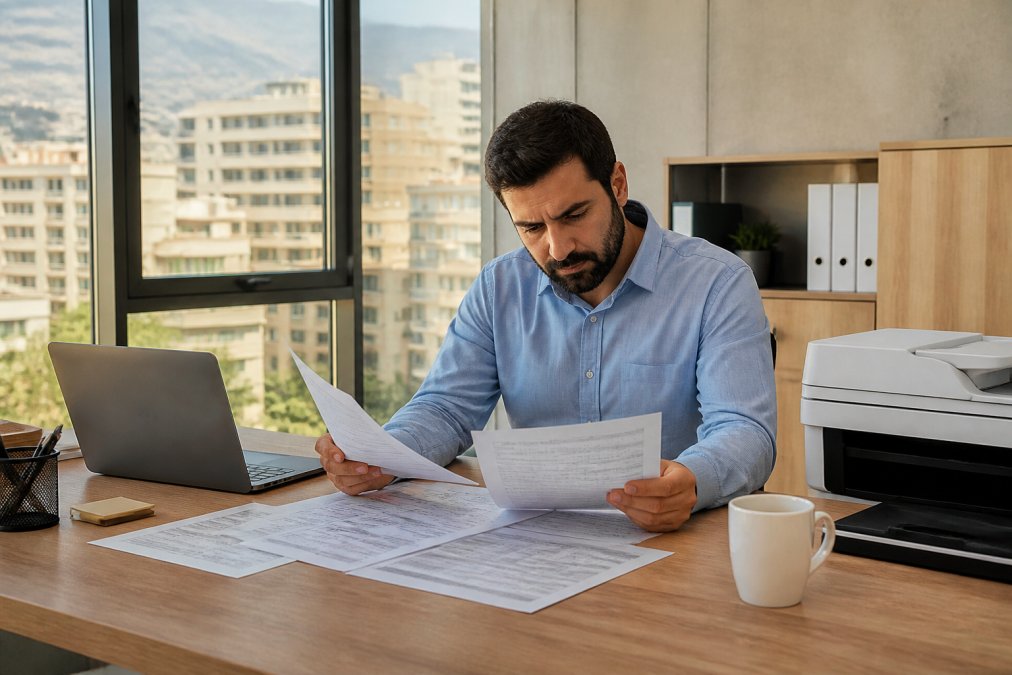
Start with three questions: how many pages do you print monthly, do you need color, and does more than one person print from their own device? The answers narrow the field fast.
A common mistake is buying for peak season rather than the average month. If December pushes you to 1,500 pages but the other eleven months sit at 300, a compact model handles it fine.
Color vs. Monochrome Laser Printers
Monochrome laser printers win on running cost and speed for text-heavy work. Color laser printers make sense when branded materials, charts, or client-facing documents need accurate color.
For most small businesses in Lebanon, invoices, contracts, and internal reports are black and white. A mono machine like the Canon i-SENSYS LBP6030B keeps toner costs predictable. If your work includes presentations or marketing collateral, the Canon i-SENSYS MF651CW prints at up to 1200 x 1200 dpi in color.

Multifunction vs. Single-Function Laser Printers
A multifunction printer combines print, scan, and copy in one device, saving desk space and a power socket. Single-function printers cost less upfront and break down less often because fewer components can fail.
The trade-off is straightforward. If your office scans client documents or IDs weekly, a 3-in-1 pays for itself quickly.
HP Laser MFP 137fnw: The All-in-One Workhorse
The HP Laser MFP 137fnw is the most capable mono multifunction here, combining print, scan, copy, and fax with Ethernet and Wi-Fi. At LBP 230, it suits reception desks and admin offices where several people print daily.

HP LaserJet MFP M141w and M141a: Compact Multifunction Value
The M141w and M141a are the smallest multifunction laser printers in their class, and that is their entire pitch. Both print, scan, and copy at up to 21 ppm with a first page out in about 8.5 seconds. The only real difference is connectivity: the M141w adds Wi-Fi and the HP Smart App at LBP 155, while the M141a is USB-only at LBP 130.
Canon i-SENSYS MF3010: Reliable 3-in-1 for Tight Budgets
The Canon i-SENSYS MF3010 is the value pick for offices needing print, scan, and copy without paying for wireless features. At LBP 185, it prints at up to 19 ppm with a first print out in 7.8 seconds, and the flatbed scanner handles high-resolution color scanning.
Canon i-SENSYS LBP6030B: Single-Function Speed and Quiet Operation
The Canon i-SENSYS LBP6030B is the quietest and most energy-efficient printer here, and it does exactly one job. At LBP 129, it prints mono documents at up to 18 ppm with a first page out in about 7.8 seconds.
HP LaserJet M111W and M211DW: Smallest and Fastest Mono Options
The HP LaserJet M111W is the smallest laser printer in its class, and the M211DW is the fastest duplex mono printer in its class. Both target offices that only print and want to do it without fuss.
Canon i-SENSYS MF651CW: Color Laser for Growing Teams
The Canon i-SENSYS MF651CW is the only color laser in this lineup, and it earns its LBP 325 price when your documents need color. It prints, copies, and scans at up to 18 ppm in A4 and up to 38 ppm in A5 landscape, with resolution up to 1200 x 1200 dpi.
Cost Per Page: The Calculation That Decides Everything
Here is the formula, with a worked example:
Cost per page = cartridge price ÷ rated page yield
- Printer purchase price
- Toner cost per page multiplied by three years of pages
- Paper cost, roughly halved if you print duplex
- Maintenance or replacement parts over the period
Connectivity, Security, and Cloud Integration
Connectivity decides who can print, and security decides who should. A printer with Wi-Fi and Ethernet supports a whole team; a USB-only model serves one desk. Match the connection type to the number of people who need access.
For office environments, look for these options:
- Ethernet: the most stable connection for a fixed desk or shared corner
- Wi-Fi and Wi-Fi Direct: lets phones and laptops print without cables
- Cloud printing: the Canon MF651CW prints from Dropbox, Google Drive, and OneDrive
- Mobile apps: HP Smart and Canon PRINT Business handle scanning and job monitoring
- Secure Print: holds jobs at the machine until released, available on the MF651CW
Troubleshooting Common Small Business Connectivity Issues
Most printer connectivity problems trace back to four causes: the printer joined the wrong network, the IP address changed, the driver is outdated, or the router blocks device discovery. Working through these in order solves the majority of cases.
Try these fixes before calling support:
- Printer not found on Wi-Fi: confirm the printer and computer are on the same network band, then re-run the wireless setup
- Intermittent drops: assign the printer a static IP address in your router settings
- Jobs stuck in queue: clear the queue, restart the print spooler, and resend one test page
- Slow first page: disable deep sleep mode if your model supports a quick-start setting
- Cloud printing fails: re-authenticate the linked Dropbox, Google Drive, or OneDrive account
Frequently Asked Questions
Are laser printers being phased out?
No. Laser printers remain the standard for offices that print text-heavy documents daily. Manufacturers still release new models, and toner supplies stay widely available. In Lebanon, Dabbous Mega Supplies stocks original and compatible cartridges for HP and Canon laser printers, so you can keep a laser printer running for years. The technology is mature, not obsolete.
What is the best laser printer for value for money?
The Canon i-SENSYS LBP6030B at LBP 129 offers the lowest entry price for a single-function mono laser, with 18 ppm and ENERGY STAR certification. If you need print, scan, and copy, the HP LaserJet MFP M141a at LBP 130 adds multifunction capability for just LBP 1 more. Both keep running costs low because they use all-in-one cartridges.
What is the best printer for a small printing business?
For a small printing business, prioritize duty cycle, print speed, and toner yield. The HP Laser MFP 137fnw handles 21 ppm with a 40-page automatic document feeder, plus fax and Ethernet. The Canon i-SENSYS MF651CW adds color at 18 ppm and 1200 x 1200 dpi. Match the monthly volume to the printer's duty cycle before you buy.
How do I calculate cost per page for a laser printer?
Divide the toner cartridge price by its page yield. For example, if a cartridge costs LBP 100,000 and yields 1,000 pages, your cost per page is LBP 100. Add paper cost and any maintenance kit expense for a true figure. Compare this number across models before buying, because a cheaper printer with expensive toner often costs more over three years.
Is a laser printer worth it for home use?
Yes, if you print more than a few pages a week. Laser printers handle text sharply, resist smudging, and their toner does not dry out like inkjet ink. The HP LaserJet M111W at LBP 125 is compact enough for a home desk and prints 21 ppm. For occasional photo printing, an inkjet still makes more sense.
Running out of toner mid-week is the kind of problem that stalls an entire office, and it is entirely avoidable with the right supplier behind you. Dabbous Mega Supplies has kept Lebanese offices printing since 1952, with original and compatible cartridges for every model above, fast delivery anywhere in Lebanon, and pricing built for repeat orders. Get started with Dabbous Mega Supplies and keep your printers running without the last-minute scramble.


