

Quick Summary
Grayscale printing is usually cheaper than color printing because it draws on black ink or toner alone, while color jobs use cyan, magenta, yellow and black cartridges at once. Whether it saves money on your machine depends on whether your printer builds gray tones from color ink, so check the print settings.
- Color jobs use several cartridges at once, so color cartridges empty faster and total spend rises.
- Some color printers build gray tones from color ink, which shrinks the grayscale saving.
- Look for a black cartridge only option in the print dialog and confirm it with a test printout.
- Cost per page equals cartridge price divided by page yield, using current LBP prices.
- Monochrome laser printers only use black toner, making them the cheapest option for text-heavy work.
Table of Contents
- What Grayscale and Color Printing Actually Cost Per Page
- Why Color Printing Costs More: Ink and Toner Consumption by Mode
- Grayscale vs Black and White Printing: What the Difference Means for Your Bill
- Black Ink Only vs Grayscale Printing: Does Your Printer Use Color Ink?
- Does Grayscale Printing Use Color Ink? How to Verify It on Your Printer
- Real Cost-Per-Page Calculation for Common Printers
- How to Reduce Printer Ink Costs Without Hurting Readability
- Choosing Your Next Printer: Your Mono Laser Shortlist in Lebanon
- Frequently Asked Questions
What Grayscale and Color Printing Actually Cost Per Page
Last Updated: November 4, 2026
Grayscale printing is usually cheaper than color printing, because it draws on black ink or toner alone while color jobs draw on several cartridges at once. For a Lebanese office that prints mostly text, that gap can decide which mode becomes the default. Office managers and home-based professionals often ask whether grayscale printing is cheaper than color, and by how much.
Grayscale printing is the practice of rendering a document in shades of gray using only black ink or toner. A color job, by contrast, mixes cyan, magenta, yellow and black. Both produce a printed page, but they consume consumables at different rates.
The honest answer is that the savings depend on three things: the printer, the cartridges, and the content. Cost per page is the figure that brings them together. It is the price of the consumables used divided by the number of pages a cartridge yields. A cartridge that costs more but yields many more pages can be the cheaper choice per page.
Printing costs matter most to businesses with steady volume, such as a small office printing invoices, contracts and internal reports every day. A few cents saved per page adds up quickly over a year.
Why Color Printing Costs More: Ink and Toner Consumption by Mode
Color printing costs more mainly because it uses more cartridges. A color page can draw on the cyan, magenta and yellow supplies in addition to black, so the color cartridges empty faster and the total spend rises.
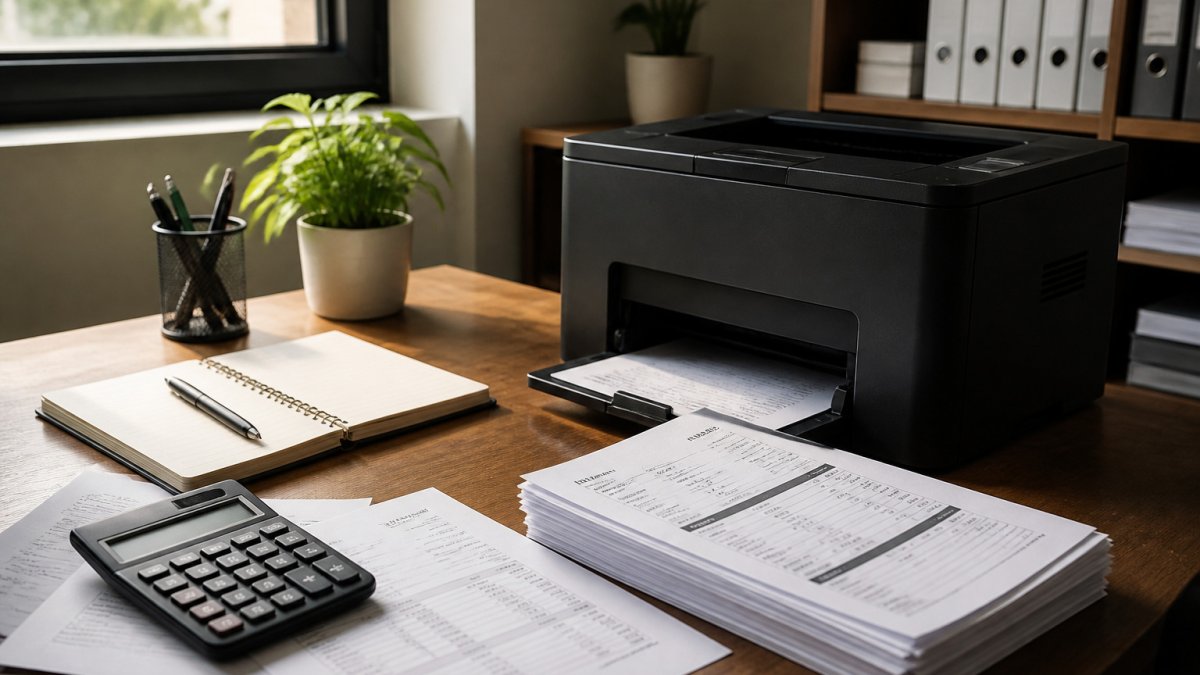
Print mode also changes consumption. A page printed in full color can use far more toner or ink than the same page printed in grayscale, even when the text is identical. Images and colored headers add to the load. Plain text pages use little color and so cost less to print in color than photos would, but they still draw on the color supplies when printed in color mode.
Many printers also run a cleaning or calibration cycle that uses color supplies, which adds to running costs for color users even when the job itself is mostly black.
Grayscale vs Black and White Printing: What the Difference Means for Your Bill
People often use grayscale and black-and-white printing as if they were the same thing. For billing purposes they are close, but the difference matters.
Black-and-white (monochrome) printing uses only black ink or toner by design, usually on a monochrome printer such as a laser model. Grayscale is a setting on a color printer that converts color content into shades of gray. On some color printers, grayscale still draws on color cartridges to build the gray tones, which is the point that causes most confusion about cost.
For a business, this means a dedicated monochrome printer will only ever touch black toner. A color printer printing in grayscale may not. Choosing between them is a question of cost per page over the life of the machine, not just the sticker price.
Black Ink Only vs Grayscale Printing: Does Your Printer Use Color Ink?
This is the point that determines whether grayscale actually saves money on your machine, so check it before you assume a saving.
Some color inkjet and laser printers build gray tones from a mix of black and color ink. In that case, a grayscale job still wears down the color cartridges, and the saving is smaller than expected. Other printers use only the black cartridge in grayscale mode. Only the second type gives the full saving.
Look for a "black ink only" or "use black cartridge only" option in the printer's print dialog or driver settings. If the option is present and enabled, grayscale jobs should draw only on black. Confirm this with a test printout before relying on it.
Does Grayscale Printing Use Color Ink? How to Verify It on Your Printer
You can check this yourself in a few minutes with a short pre-print checklist:
- Open the print dialog and find the color or grayscale setting. Look for options labeled "Grayscale," "Black and white," or "Black ink only." The wording differs by driver, so read each option rather than assuming.
- Check whether a "black cartridge only" or "use black ink only" toggle exists and is enabled. If it is present, grayscale jobs should draw only on black. If it is absent, the printer may build gray from color inks.
- Note the ink or toner level of each cartridge in the printer's status screen or software before you print.
- Print a one-page document that contains a colored block and a line of text.
- Check the levels again. If only the black level drops, grayscale uses black alone. If the color levels also drop, grayscale is drawing on color supplies.
Repeat the test with a larger batch of pages for a clearer reading, since a single page changes levels too little to measure. A test page with a gray gradient is more revealing than plain text, because gray tones are exactly where composite color use shows up.
HP Laser MFP 137fnw – Wireless Monochrome Multifunction Printer →
Watch out: many printers ask for grayscale in the driver but still run color cleaning cycles at startup, so color levels can fall even when the job itself used no color. A quick test with a fresh cartridge set helps you spot this, and comparing two identical jobs over a week separates cleaning loss from job loss.
Real Cost-Per-Page Calculation for Common Printers
Cost per page is simple to calculate once you know the cartridge price and its page yield:
Cost per page = cartridge price ÷ page yield
That formula is only useful if you plug in real figures, so here is how to build the calculation for the printers in our range. Take the HP M111W as an example. Divide the current price of its HP 150A cartridge in LBP by that cartridge's rated page yield to get the black cost per page. Divide the current cartridge price in LBP by 975 to get your own figure, since prices move.
Do the same for the HP Laser MFP 137fnw and the HP LaserJet M211dw. A monochrome laser printer has no color cartridges, so its black cost per page is its full printing cost in grayscale or black-and-white mode.
For a color printer such as the HP Color LaserJet MFP 179fnw, calculate a separate cost per page for black and for color, then weight them by how often each appears in your documents. If 90 percent of your pages are black text and 10 percent are color, your average cost per page is (0.9 × black cost) + (0.1 × color cost). A mostly black-text workload will show a much lower average than a brochure-heavy one.
Coverage matters as much as yield. Cartridge page yields are quoted at a standard coverage, often 5 percent of the page. A document with heavy graphics, tables, or shaded headers covers far more of the page and will exhaust the cartridge sooner, raising the true cost per page above the quoted figure. If your typical job is dense, assume a lower effective yield and recalculate.
Check current cartridge prices in LBP with your supplier before you run the sum. Prices change, and the calculation is only as good as the figures you enter.
The article shows how cost per page works and which factors move the figure, so the table below summarises those factors for quick reference.
| Factor | Effect on cost per page | Note |
|---|---|---|
| Cartridge price | Higher price raises cost | Check current LBP prices with your supplier |
| Page yield | Higher yield lowers cost | Quoted at standard coverage, often 5 percent |
| Page coverage | Dense pages raise cost | Graphics and shaded headers use more ink |
| Color share of pages | More color raises average | Weight black and color costs by usage |
| Monochrome printer | Black cost only | No color cartridges to replace |
How to Reduce Printer Ink Costs Without Hurting Readability
You can cut running costs without making documents hard to read:
- Set your printer to grayscale or black-only mode for internal drafts and text-only documents.
- Use a monochrome laser printer for high-volume black-text work.
- Choose a higher-yield cartridge where it makes sense. Find out whether high-yield toner cartridges are worth the money. Our article on whether high-yield toner cartridges are worth the money covers the trade-off in detail.
- Consider a compatible HP toner for routine printing. Compatible cartridges can lower cost per page while printing the same text.
- Reserve color for documents that need it, such as client presentations or marketing material.
Watch out: a very light draft setting can make small text hard to read, so keep quality high for any document a customer will see.
Choosing Your Next Printer: Your Mono Laser Shortlist in Lebanon
If most of your printing is text, a monochrome laser printer is usually the cheapest route per page. Our shortlist covers three of the most practical options in our range:
- HP M111W LaserJet Mono Printer: a compact USB model for a small desk. It suits a single user who prints a few hundred pages a month. Explore the HP M111W
- HP Laser MFP 137fnw: a wireless monochrome multifunction printer that adds scanning, copying and faxing. It suits a home office or small front desk that needs more than printing. See the HP Laser MFP 137fnw
- HP M211dw: a mono wireless model with automatic two-sided printing, which reduces paper use on heavy workloads. It suits a busy office. Compare the HP M211dw
Choose the model that matches your monthly volume and the features you actually need, then check the cost per page before you buy.


Frequently Asked Questions
Is grayscale printing cheaper than color printing?
In most cases, yes. Grayscale prints black text and gray tones, so a color printer can often run on black ink or toner only, which costs less per page than a full color job that draws on cyan, magenta and yellow as well. The saving grows with volume. A document of mostly text can cost a fraction of the same page printed in full color, but the gap depends on your printer model and cartridge prices, so calculate cost per page before you assume it.
Does grayscale printing use color ink?
It depends on the printer. Some color printers mix the color cartridges to create gray, which means you still consume color ink even on a grayscale job. Others print grayscale with the black cartridge only. Check the driver settings for a black-ink-only or grayscale option, and run a test page while watching the ink levels to confirm which cartridges are used.
Is black-and-white printing the same as grayscale?
Not exactly. Black-and-white (monochrome) printing uses a single color, usually black, and produces only that color. Grayscale uses black at different densities to create shades of gray, so photos and charts look smoother. On many printers, both options use the same black cartridge, which means the cost per page is similar.
How can I reduce printing costs without losing readability?
Set grayscale or draft mode as the default, print at standard quality for internal documents, and avoid large colored backgrounds that drain ink quickly. Use a laser printer for high-volume text, since toner usually costs less per page than inkjet cartridges for documents. Track your monthly page count so you can compare the real cost of each option.


